

Tags
Create colour-coded tags such as VIP or Wholesale to sort your contacts, and delete the ones you no longer use.
A tag is a short coloured label you put on a contact: "VIP", "Wholesale", "Interested in sofas". Tags let you find a group of customers quickly, filter the inbox, and pick who gets a broadcast.
The whole workspace shares one list of tags. You make them here, then put them on contacts from the contact's page or from the panel beside a chat.
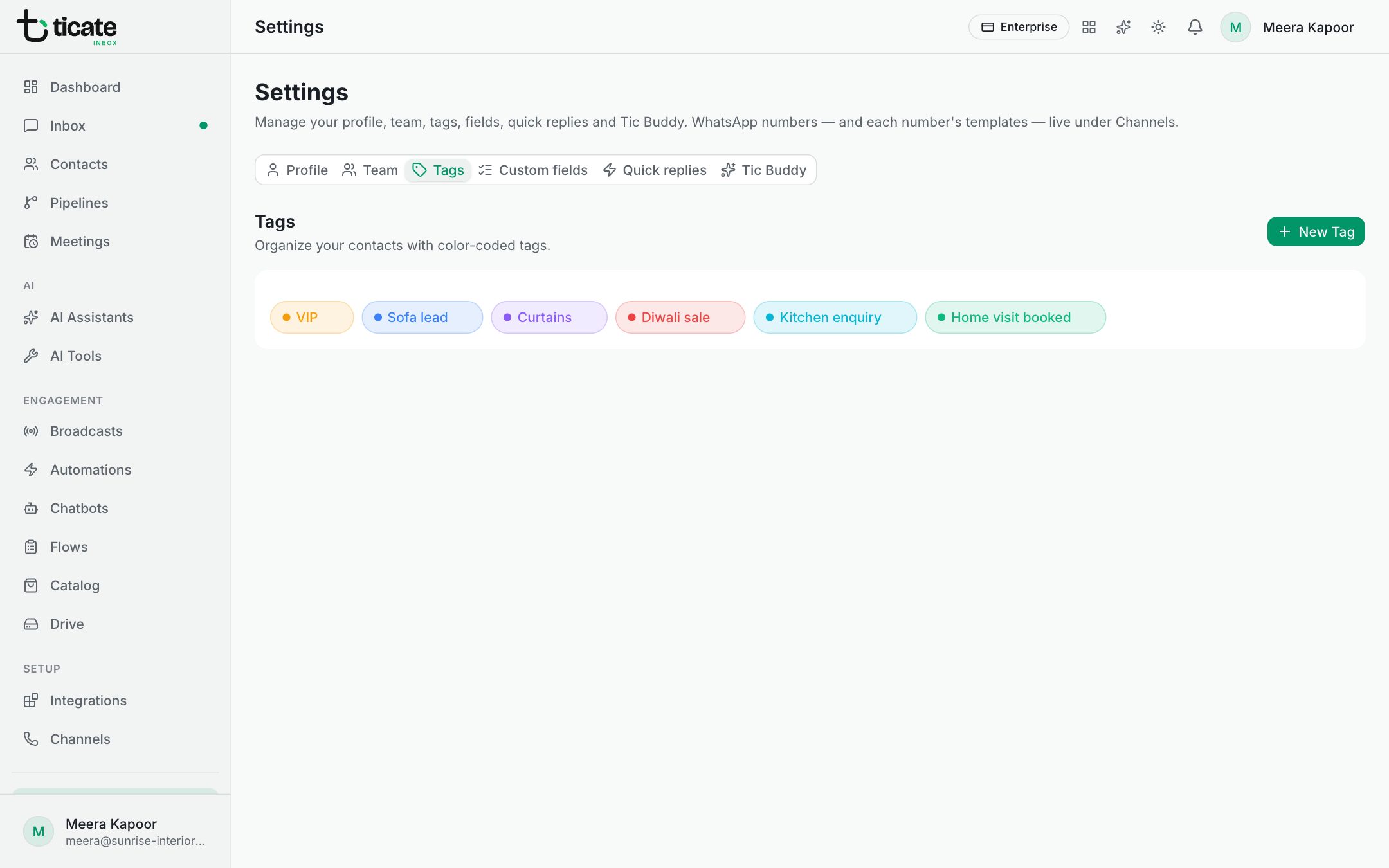
Create a tag
- Open Settings and click the Tags tab.
- Click New Tag.
- Type the Tag Name, for example "VIP Customer".
- Pick a Color. The Preview shows how the tag will look.
- Click Create Tag.
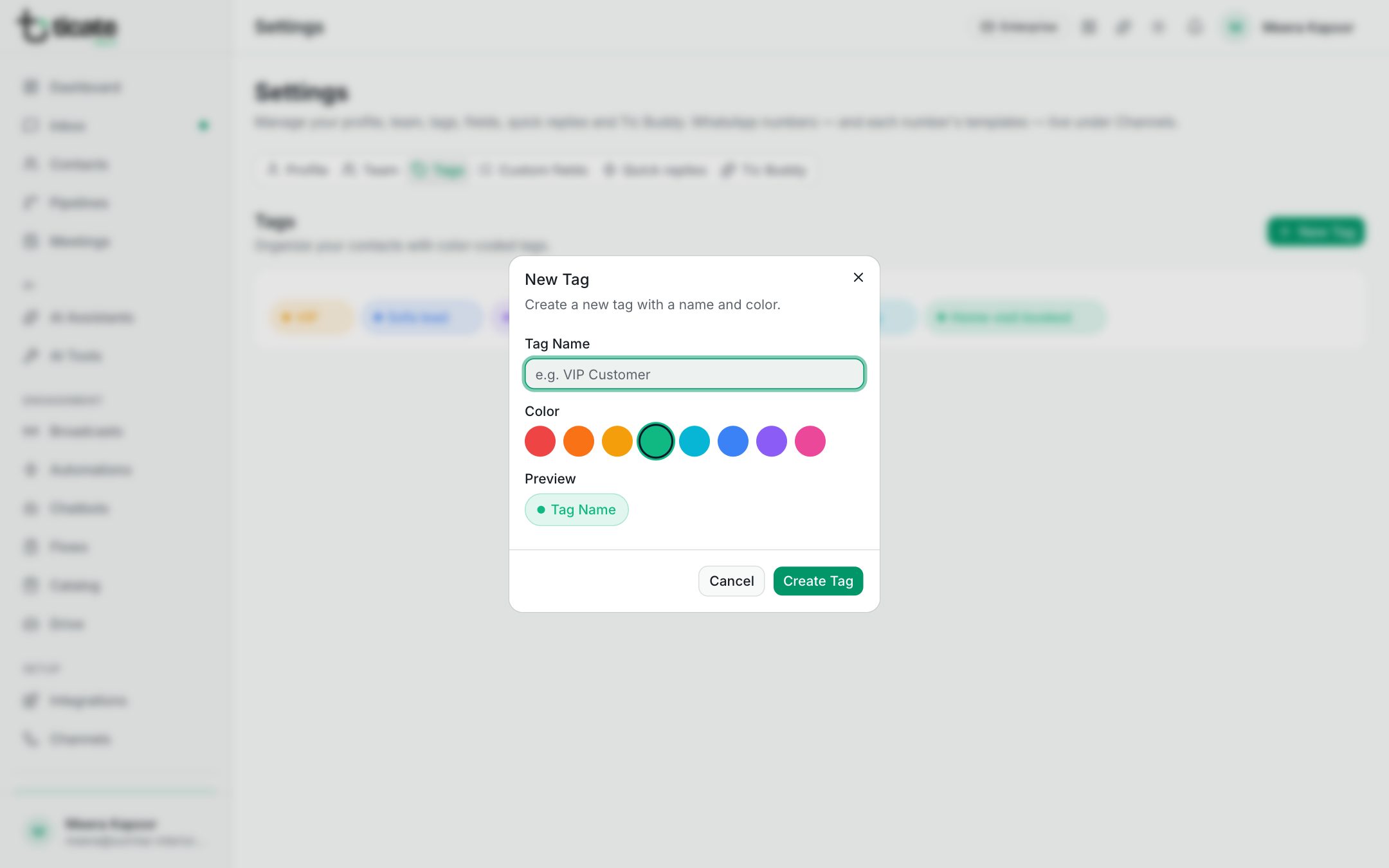
Keep names short and clear, so everyone on the team uses the same tag for the same thing.
Delete a tag
- Point at the tag in the list. A small cross appears at its right.
- Click the cross.
- Click Delete Tag to confirm.
Deleting a tag removes it from every contact that has it. This cannot be undone. Deleting tags needs the owner or admin role.
Use your tags
- Put tags on a contact, and filter your contact list by them. See Contacts.
- Filter the inbox to one tag's chats. See Inbox.
- Send a broadcast to everyone with a tag. See Broadcasts.