

What AI tools are, and how to make one
Tools let an assistant do things in a chat besides talking, such as sending a brochure, saving the customer's details or booking a meeting. Build one once and give it to any assistant.
On its own, an assistant can only talk. Tools let it act: send buttons or a brochure, save what the customer tells it, tag them, book a meeting, ask your own system for an order's status, or hand the chat to the right team.
A tool is built once and can be given to any number of assistants. The assistant decides when to use it, from the description you write.
Owners, admins and self admins manage tools, under AI → AI Tools in the menu.
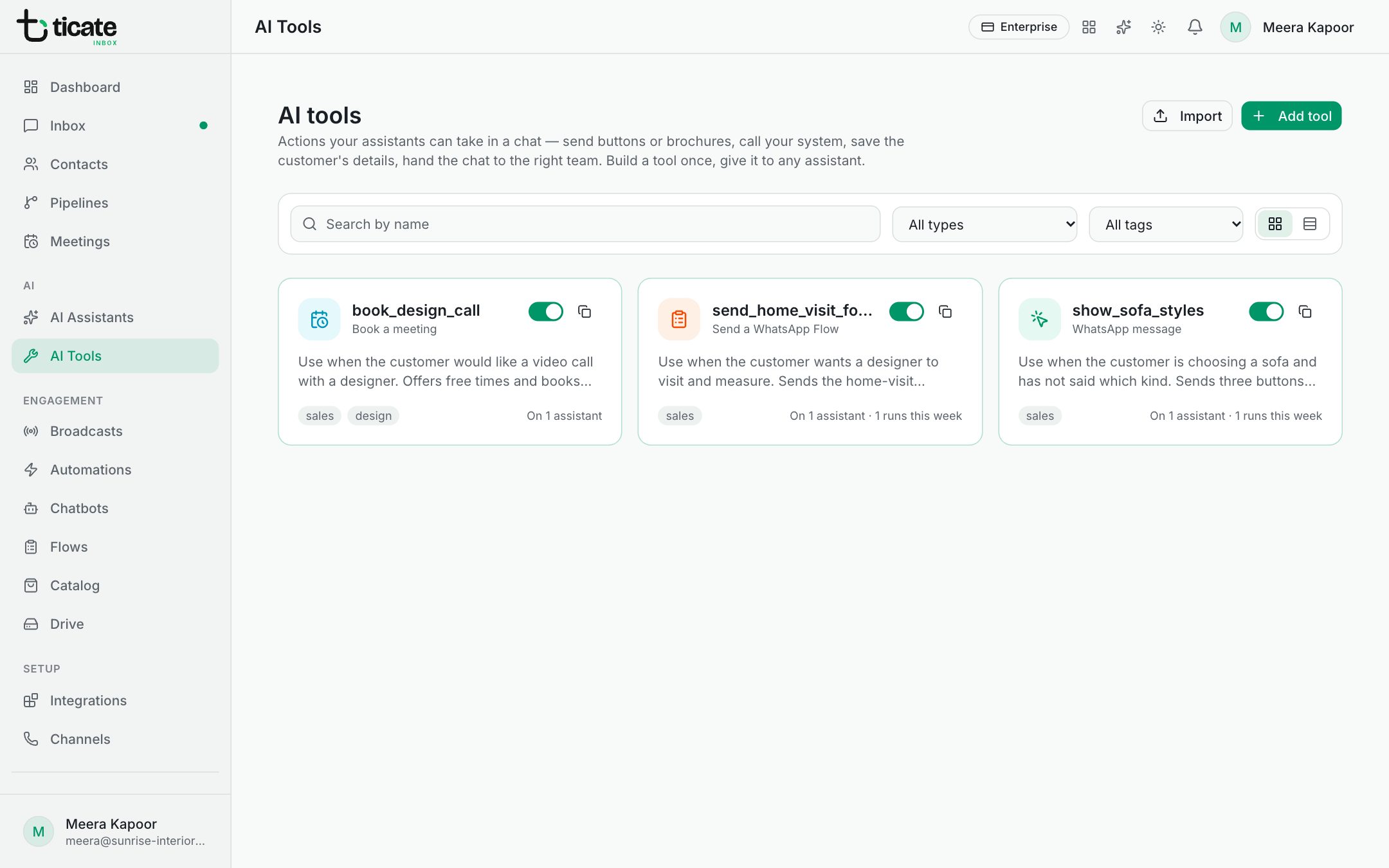
Make a tool
- Click AI Tools, then Add tool.
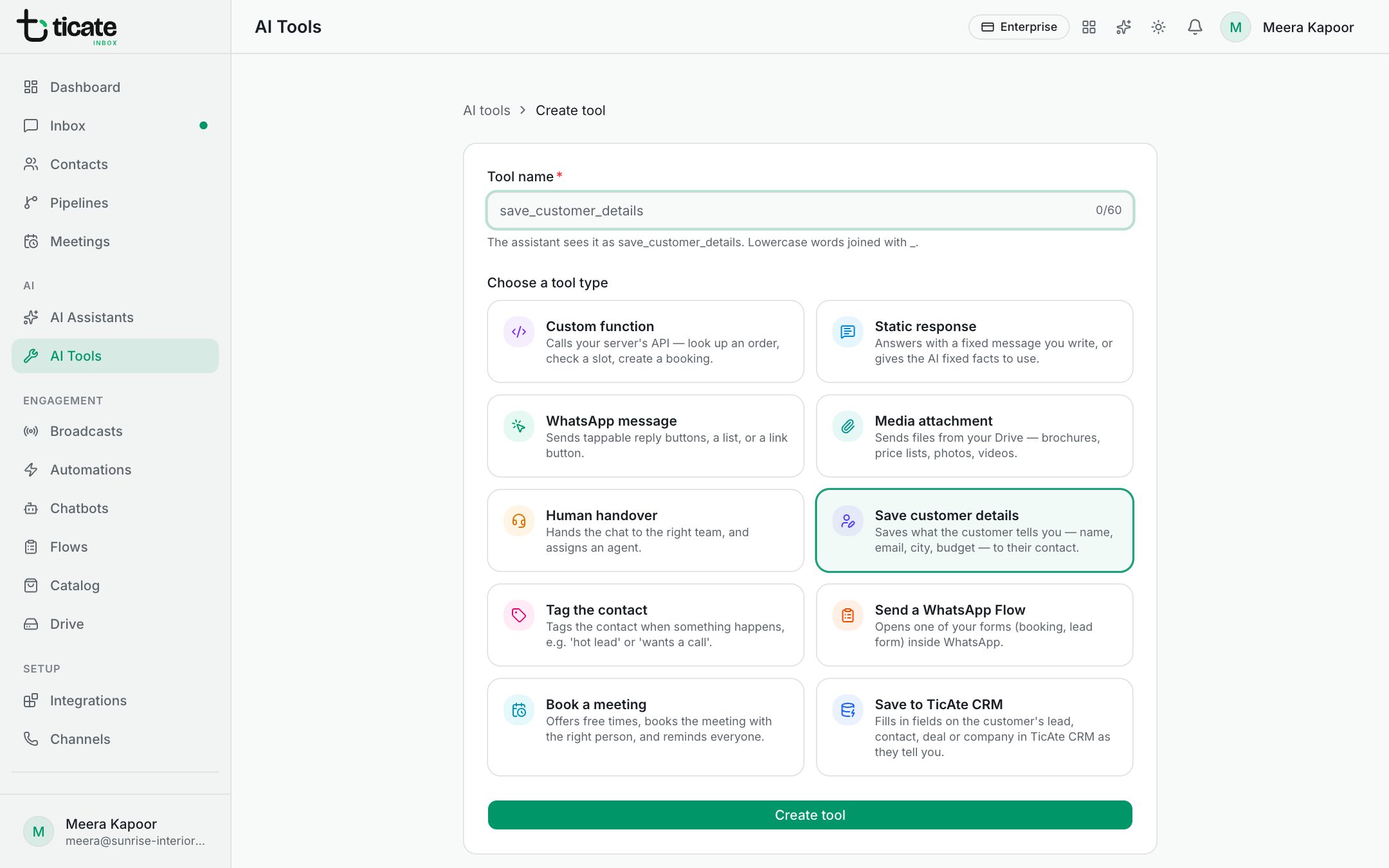
- Under Choose a tool type, pick what it should do. See Tools that send something and Tools that act for the customer.
- Give it a Tool name, such as send_brochure. The assistant sees it as lowercase words joined with _.
- Click Create tool.
- On the tool's page, fill in When to use this tool, and the settings for its type.
- Click Update tool.
- Turn on the switch at the top so it says Enabled.
A new tool starts switched off. It can only be switched on once it has a description and everything its type needs; a yellow note on the right says what is still missing.
Write a good description
The assistant reads When to use this tool to decide when to use it, so write it as an instruction about the moment:
- "Send this when the customer asks for the brochure or price list."
- "Call this when the customer asks where their order is. Needs the order number."
Vague descriptions make the assistant use a tool at the wrong time, or never.
On the tool's page
- Preview shows what the customer will see, and Run history the recent times an assistant used it, each marked Success or Failed.
- Assistants using this tool lists your assistants: switch one on to give it the tool. This takes effect at once. See Give tools to an assistant.
- History brings back an earlier version (it is restored switched off), Export saves it to a file, and the copy button duplicates it. Import on the AI Tools page reads an exported file back in.
- The bin deletes the tool, and removes it from every assistant.
Tags on a tool are only for finding it in the list.