

Reply to comments automatically
Choose which Instagram accounts and Facebook Pages bring their comments in, and set rules that answer matching comments straight away, in public, by DM, or both.
A post that does well can bring hundreds of "price?" comments. An auto-reply answers each one the moment it arrives: a short public reply under the post, a DM with the details, or both. Owners and admins set this up.
Choose which accounts bring in comments
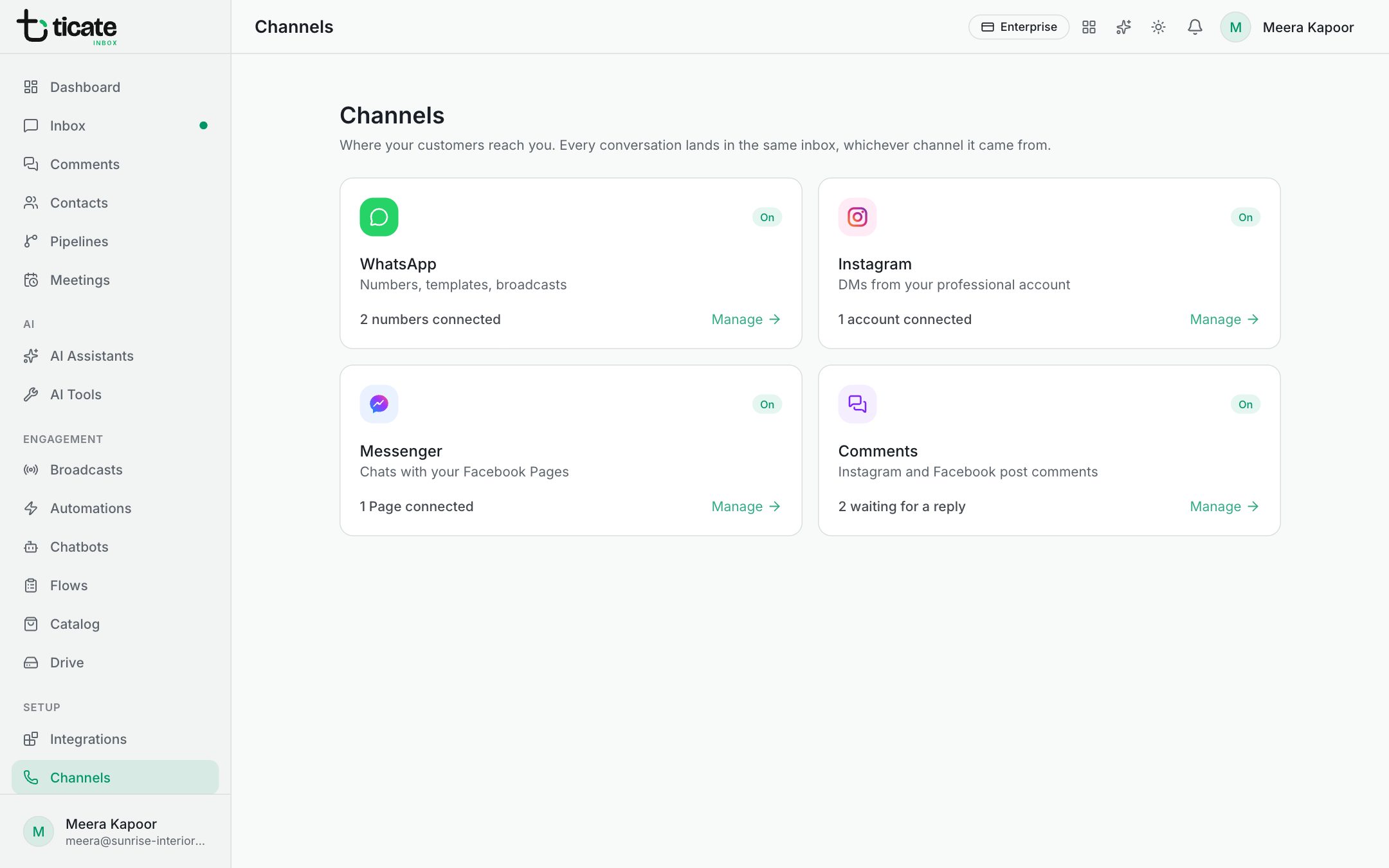
- Go to Channels and find the Comments card. Click Set up (or Manage once it is on). From the Comments page, Set up at the top takes you there too.
- Under Collect comments from, switch on each Instagram account and Facebook Page whose comments you want.
An account must be connected first; see Channels.
Add an auto-reply
- Under Auto-replies, click Add rule.
- Give it a Name, such as Price enquiries.
- Under On, choose one account or Every account.
- Under On which posts, keep Any post, or choose Only these posts and click the posts it should cover. (Choose one account first to see its latest posts.)
- Under When the comment contains, type the words to look for, separated by commas: "price, cost, how much". Any one of them is enough. Leave it empty to answer every comment.
- Write the Reply under the post, the Send as a DM message, or both. Use {name} for the person's first name.
- Leave On switched on and click Save.
From then on, the first rule that matches a new comment answers it. On the Comments page, those answers are marked (auto), and a DM opens a chat in the inbox like any other.
Change or stop a rule
Click the pencil next to a rule to change it; switch On off in it to pause the rule, which then shows Off in the list. The bin deletes it.