

Several assistants on one number, by CRM stage
With TicAte CRM, let a different assistant answer depending on the stage of the customer's lead or deal, such as Sales for new leads and After-sales for won deals.
Normally one assistant answers on a number. With TicAte CRM connected, several can share it: each answers the customers whose lead or deal is in its stages. A sales assistant can talk to new leads while an after-sales assistant helps customers whose deal is won, each with its own instructions, knowledge and tools.
How the right assistant is chosen
When a customer writes, TicAte looks up their number in TicAte CRM and finds the stage of their leads and deals, newest first.
- The assistant that has that stage answers.
- If none has it, the Every stage assistant answers.
- A customer with no lead or deal goes to the Every stage assistant. If the number has none, they go to the stage assistant set to answer people with no CRM record.
- If the CRM can't be reached for a moment, the Every stage assistant answers.
When the customer moves to another stage in the CRM, their next message goes to that stage's assistant. A pause or hand-over by the previous assistant doesn't silence the new one.
Instagram and Messenger customers have no phone number, so they count as having no CRM record.
Set it up
- Connect TicAte CRM under Integrations.
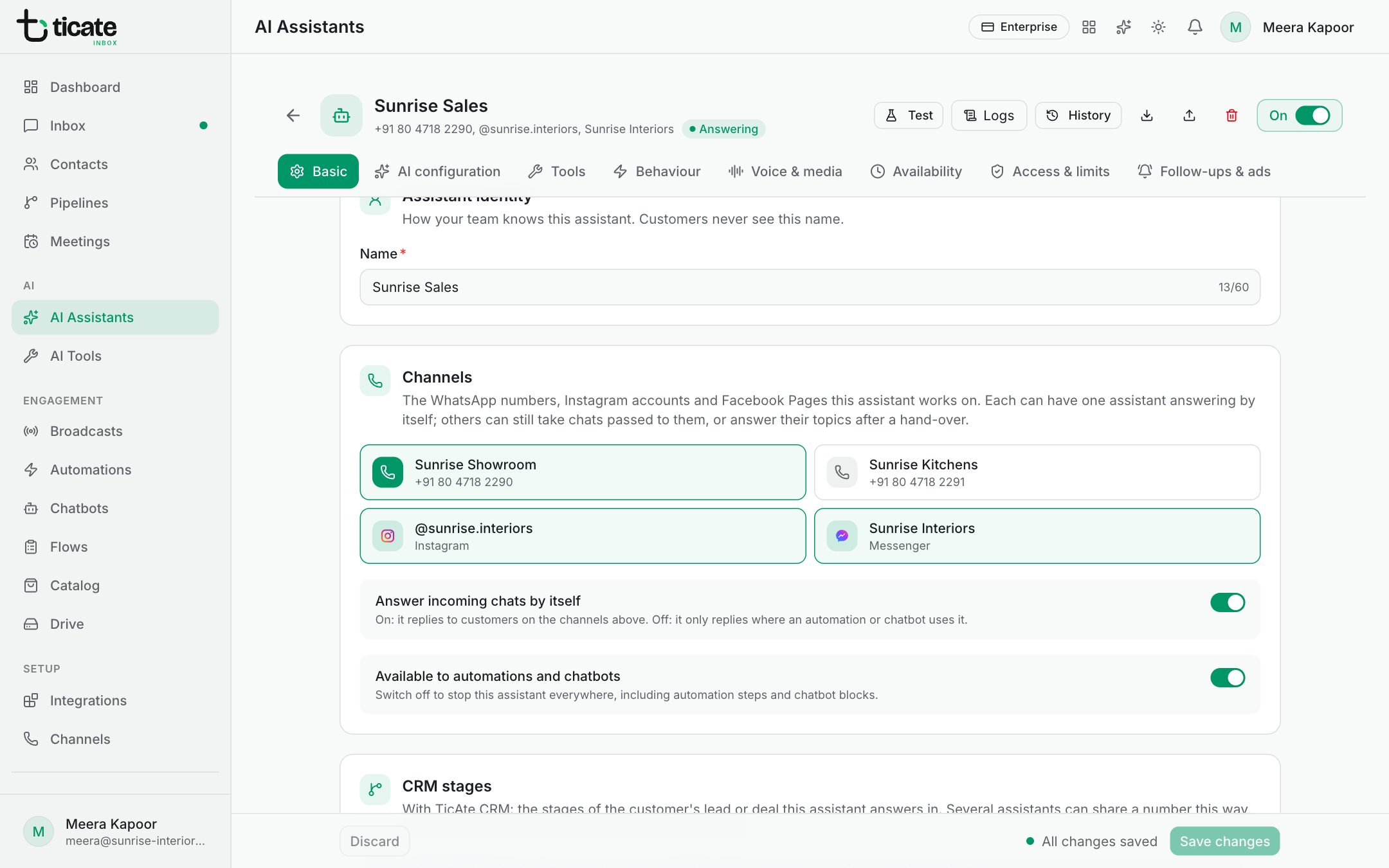
- Create one assistant per group of stages, and choose the same channel for each under Basic → Channels.
- On each assistant's Basic tab, under CRM stages, choose:
- Every stage: it answers every chat no other assistant's stages cover, including people with no CRM record. Give this to one assistant per number.
- Only the stages I choose: then click its stages, grouped by pipeline. If the number has no every-stage assistant, turn on Also answer people with no CRM record on one of them, so customers with no lead or deal still get an answer.
- Click Save changes, then switch each assistant on.
Rules that keep it clear
So that a customer always has exactly one assistant, saving is refused if, on the same number:
- two assistants both answer Every stage;
- two assistants share a stage;
- two assistants both take customers with no CRM record. The every-stage assistant always takes them, so it can't sit beside a stage assistant with Also answer people with no CRM record on.
The message names the other assistant and the clash. Give each its own stages, or switch the other one off first.
A stage deleted in the CRM stays listed under No longer in the CRM until you click it to remove it.
Follow-ups by stage
A stage assistant answers when customers write. To write first to people who have gone quiet in a stage, add a follow-up by CRM stage.