Who answers first: chatbots, AI assistants and automations
The order in which a broadcast's assistant, chatbots, the number's AI assistant and automations look at a customer's message, and how to stop double replies.
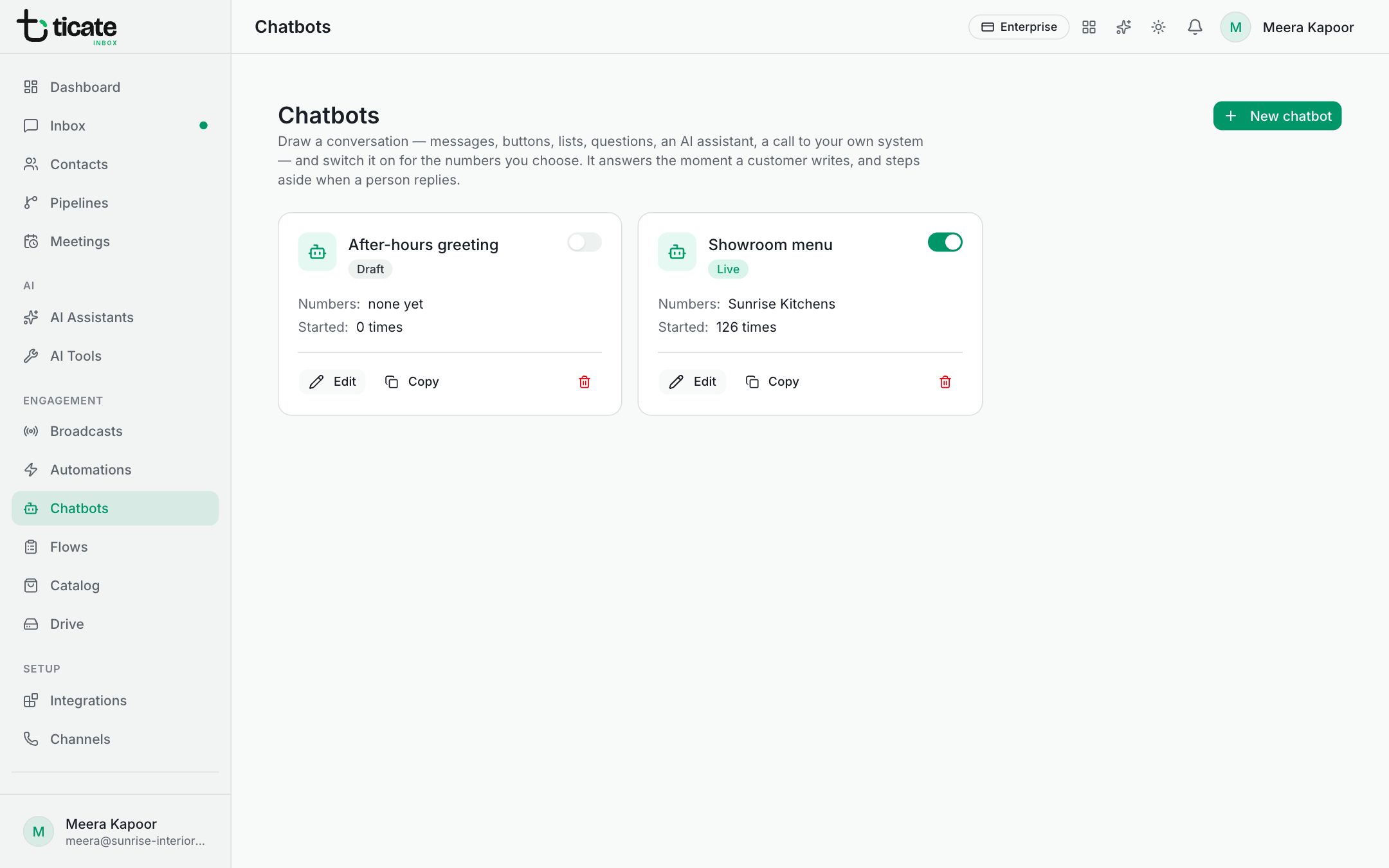
A customer's message can be answered by a chatbot, an AI assistant or an automation. So that the customer gets one clear answer, the app looks at each message in a fixed order.
The order
- A broadcast's AI assistant. If the customer is replying to a broadcast whose replies an assistant handles, and it is within the days you chose, that assistant takes the chat. See Let an AI assistant handle broadcast replies.
- A chatbot. If the customer is part-way through a chatbot, such as one waiting for a button tap or an answer, the message goes to that bot. Otherwise the first live chatbot on the number whose On message block matches starts.
- The number's AI assistant. Only when no chatbot takes the message, the AI assistant switched on for that number may answer it. Orders and submitted forms are left to automations. See AI assistants.
- Automations run alongside all of these, on their own triggers.
Chatbots and AI assistants together
You can use both on one number. The chatbot handles the menu and the routine questions; whatever the bot does not catch goes to the assistant.
Inside a chatbot, the AI assistant block hands the conversation to an assistant for a while. Under Hand over after this many replies, set how long it answers. When the customer asks for a person, or the limit is reached, the bot follows the block's Wants a person line, or, if that leads nowhere, assigns the chat to your team.
An automation can do the same with Give the chat to an AI assistant. See Build an automation.
When a person replies
As soon as someone on your team writes in the chat from the Inbox, the chatbot steps aside for that chat. On the chatbot's On message block:
- Only when nobody is assigned keeps the bot out of chats a person already has.
- Not while a person is chatting keeps it quiet if someone on your team wrote to the customer in the last 24 hours.
Stop double replies
Automations do not wait for chatbots by default. If an automation and a chatbot listen for the same words, the customer gets two answers. Either:
- give them different keywords, or
- open the automation's Trigger card and tick Don't run when a chatbot answers the message. The automation then waits, and stays quiet whenever a chatbot answered.
The Automations page warns you when an active automation and a chatbot can answer the same messages, with a Don't run when a chatbot answers button that sets this for you.