

Test an assistant before it talks to customers
Chat with the assistant as a customer would, see what it read and which tools it would use, then try it on a few real contacts before switching it on for everyone.
The test chat lets you talk to the assistant the way a customer would, without anything reaching a customer. Use it after every change to the instructions or knowledge.
Open the test chat
- Open AI Assistants and click Configure on the assistant.
- Save any changes first: the test uses the saved settings. If there are unsaved changes, the test chat says so.
- Click Test at the top.
- Type a message the way a customer would, and press Enter.
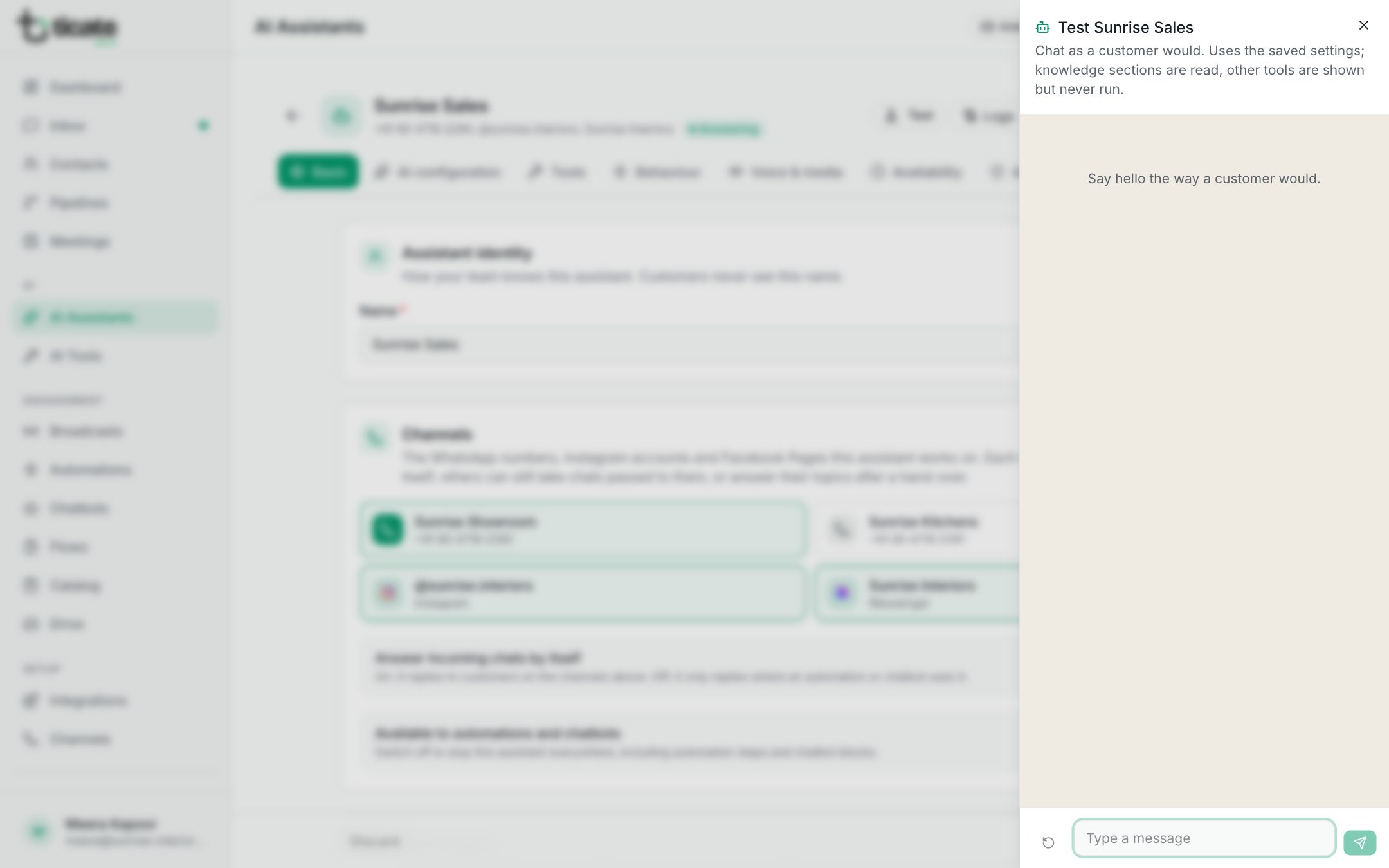
The assistant answers as it would in a real chat, in the same style and language.
What the test shows
Under each reply:
- Read from knowledge: the knowledge sections it opened to answer.
- Would use and a tool's name: a tool it chose, with the details it filled in. Tools are shown but never run in the test, so nothing is sent, saved or booked.
- Hands the chat to a person: it would hand over here.
- A line with how long the reply took, the tokens used and the estimated cost. If your model was busy and another answered, it says so.
The arrow button at the bottom left starts the conversation over.
What to try
- The ten questions customers ask most, in the words they use.
- A question your knowledge doesn't answer. It should say a colleague will help, and hand over.
- A message in another language, and a short "Hi" halfway through a conversation.
- An unhappy customer, or one asking for a person.
If an answer is wrong, fix the instructions or knowledge, save, and ask again.
Try it on a few real contacts first
To let the assistant answer only some customers while you watch, open Access & limits, choose Only these…, and add your own number or a tag such as "AI test". Switch the assistant on: it replies to those contacts only. When you are happy, choose Everyone except… to open it to all. See Who it answers, and spend limits.