

Message a customer first
Start a WhatsApp chat with a saved contact or a new number, choose which of your numbers it goes from, and open it with a template.
Most chats start when a customer writes to you. When you need to write first, for example to follow up a phone enquiry, start the conversation from the inbox.
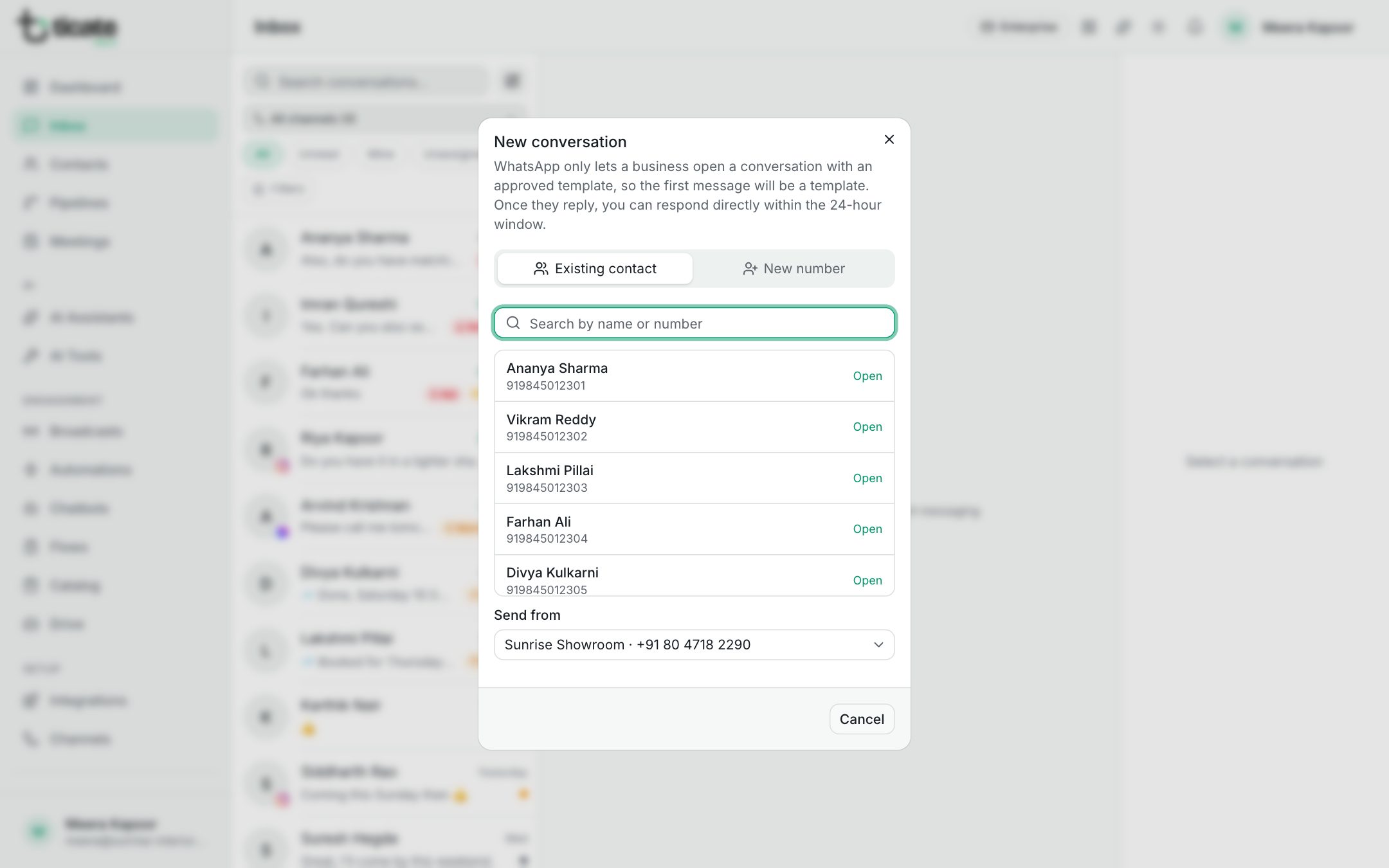
WhatsApp only lets a business open a conversation with an approved template, so your first message will be a template. Once the customer replies, you can chat normally for 24 hours.
Start a chat with a saved contact
- In the Inbox, click the pencil button next to the search box (New conversation).
- Leave Existing contact chosen and search by name or number.
- If you have more than one WhatsApp number, choose the one to write from under Send from.
- Click the contact (Open).
The chat opens. If you have talked to this person before on that number, you land in the same chat, with everything that was said.
Start a chat with a new number
- Click the pencil button, then New number.
- Type the Phone number, with the country code, such as +91 98765 43210.
- Add a Name (optional) so the chat is easy to find later.
- Choose the number to write from under Send from, if you have more than one.
- Click Open conversation.
The person is saved as a new contact.
Send the first message
The new chat says Start with a template at the top. Click Send template in the message box, pick a template, fill in its blanks and send it. See The 24-hour window and templates.
From the contacts list
On the Contacts page, open the menu at the end of a contact's row and choose Message. The chat with that contact opens in the inbox, or a new one starts if there is none yet.