

How many people a number can message
Meta caps how many customers a WhatsApp number can start chats with each day. Where to see your limit and quality, and how to stay in good standing.
WhatsApp limits how many different customers each business number can start conversations with in a day. The limit is set by Meta, not by TicAte, and it grows as your number shows that customers welcome its messages.
Replies to customers who wrote to you in the last 24 hours do not count. The limit is about the messages you start, which is what a broadcast does.
See your number's limit and quality
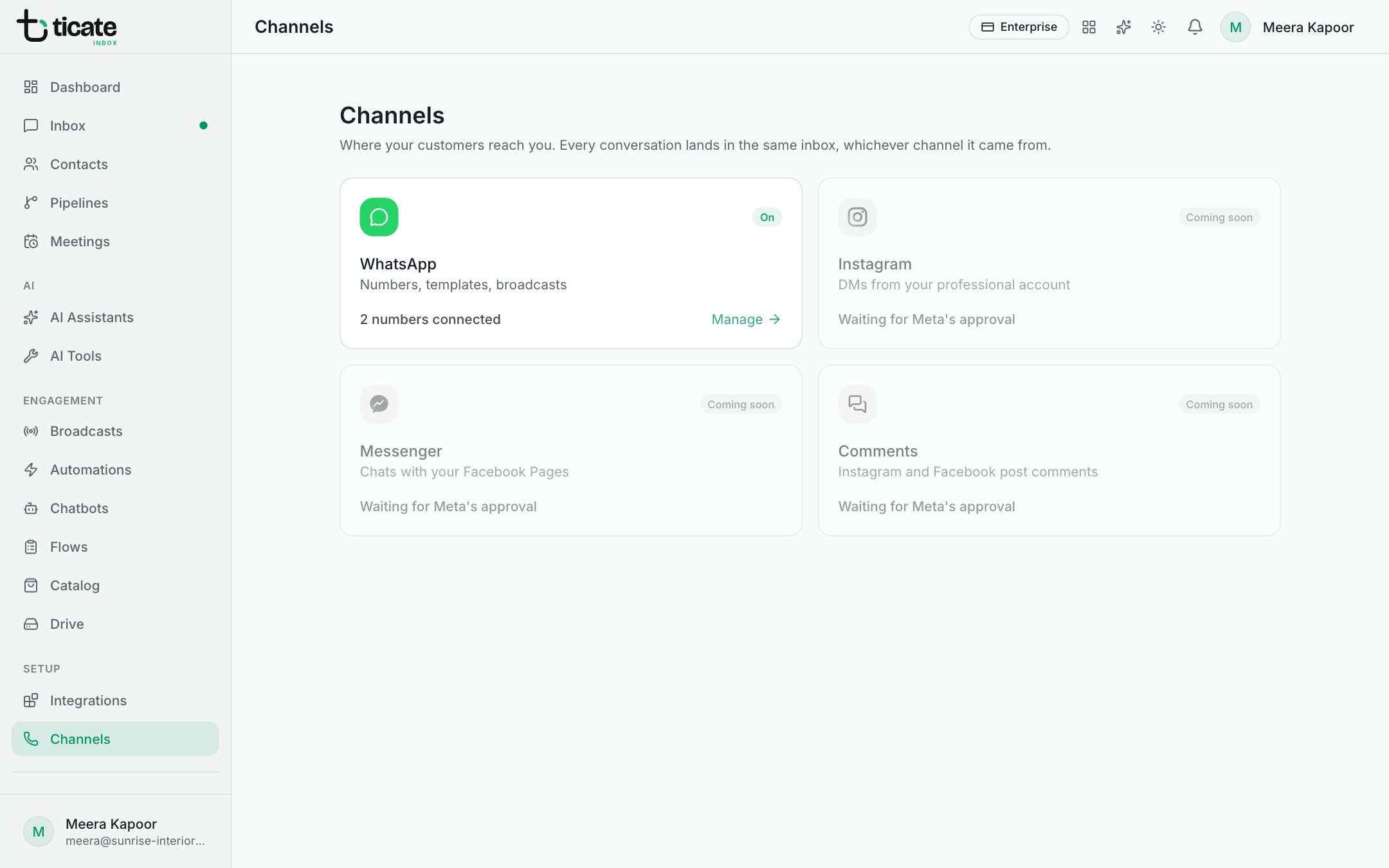
Open Channels in the left menu. Under each number you see:
- Quality: High, Medium, Low or Not rated yet. Meta rates it from how customers react to your messages, such as blocking or reporting you.
- Limit: how many customers it may reach a day, such as 250 / day, 1,000 / day, 10,000 / day, 100,000 / day or Unlimited.
The app checks these with Meta regularly, and shows when it last checked.
New numbers start low. Meta raises the limit by itself as you use more of it with good quality.
When a broadcast goes over the limit
A broadcast to more people than the limit still starts, but messages beyond it fail. The report lists them under Why messages failed. Tag that group and send to them again the next day. See Broadcast results and failed messages.
The app also sends in small batches, so a large broadcast stays inside WhatsApp's speed limit. A broadcast to thousands takes a few minutes.
Other limits you may meet
- Marketing messages per customer: WhatsApp may hold back a marketing message to someone who has had many lately. The reason reads "WhatsApp held back this marketing message".
- Reports and blocks: if many customers block or report your messages, WhatsApp may limit the number for a while. Send fewer, more relevant messages until quality recovers.
- Sending blocked by Meta: if Meta refuses all sends from a number, for example over a payment problem on the account, the app shows a warning on the number and on a new broadcast before you send.
Keep your quality high
- Send only to people who expect to hear from you. Contacts who opted out are always left out.
- Make the first lines worth reading, and keep offers relevant to each group.
- Add a quick-reply button such as "Stop promotions" to marketing templates, so people opt out rather than block you.