

Tools that act for the customer
Save details to the contact or to TicAte CRM, tag the contact, book a meeting, hand the chat to the right team, or ask your own system through its API.
These tool types let the assistant do something with what the customer says. Without such a tool, the assistant never claims to have done it: it says a colleague will arrange it, and hands over.
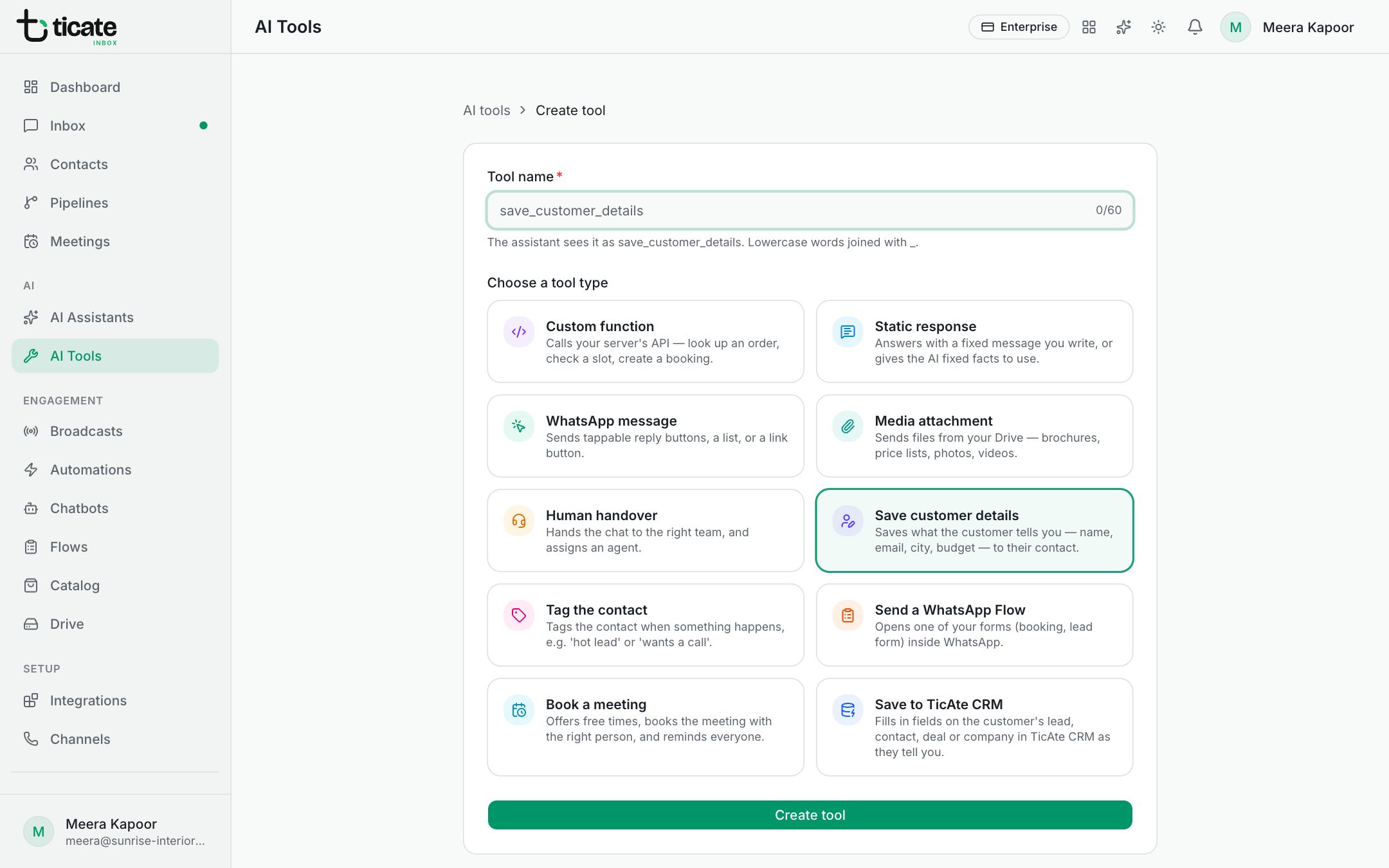
Save customer details
Saves what the customer tells the assistant to their contact. Under Details to save, tick Full name, Email, Company or any of your contact custom fields, such as City or Budget, with an optional hint for each. Add custom fields in Contacts first to see them here.
Example description: "Save details as soon as the customer shares them. Don't wait until the end."
Save to TicAte CRM
Fills in fields on the customer's open record in TicAte CRM, found by their WhatsApp number. Choose the Record (Lead, Contact, Deal or Company), tick the fields, and say when to fill each one. The CRM checks each value, so a choice must be one of the field's options, and the change shows on the record's timeline.
Only fill in empty fields (recommended) never replaces a value your team typed. TicAte CRM must be linked under Integrations.
Tag the contact
Adds one or more tags when something happens, for example "hot lead" when the customer wants to buy this week. Create tags in Contacts first.
Book a meeting
Offers the customer free times, books the one they pick, and can move or cancel it later. Choose a Meeting type: who takes it, how long it lasts and how it is assigned are set there. The customer gets a confirmation, the team member is alerted and everyone is reminded. See Meetings.
Human handover
Hands the chat to the right team. Under Teams, add each team with its members and when to pick it, such as "Sales: the customer is ready to book". Then choose:
- Round robin (takes turns) or Least busy (fewest open chats);
- Stop the assistant after assigning;
- a Message to the customer, where {{agent_name}} and {{team_name}} are filled in;
- a tag to add.
When an assistant has this tool, it decides hand-overs instead of the assistant's own hand-over settings.
Custom function
Asks your own system, for example for an order's status or a free slot.
- Under API request, choose the method and enter your https address.
- Under What the assistant should collect, add the details it must get from the customer first, such as order_number, each with a type and a description.
- Under Headers, add your API key or token. It is stored encrypted and never shown again.
Also send the customer's phone, name and chat id helps your system find the customer. Your system's answer goes back to the assistant, which explains it to the customer. Only public https addresses work, and the request waits up to the Timeout (seconds) you set.