

Send a form and see the answers
Send a published flow from the inbox, an automation, a template or a broadcast, and find the bookings and responses that come back.
Once a flow is published, you can send it in four ways. Whichever you use, the customer sees your message with a button; a tap opens the form inside WhatsApp.
From a chat
- Open the chat in the Inbox.
- Click the shopping bag beside the message box, then Send a form (flow).
- Pick the form and send it.
This works while the 24-hour window is open, that is, within a day of the customer's last message.
From an automation
Add the Send Form (Flow) step and choose the form. For example, send a booking form to everyone who writes "visit". See Build an automation.
After 24 hours, or to many people
To send a form to someone who has not written lately, or in a broadcast, wrap it in a template:
- Create a template and choose the Form format. See Create a message template.
- Under Form, choose the published flow, and set the Button label, such as "Book now".
- Submit it, and once it is Approved, send it like any template.
See the answers
Open Flows. Every submitted form arrives in three places:
- Responses: each submission, newest first, with the form's name, the customer, the time and every answer. Open chat jumps to the conversation.
- The chat itself: the answers appear in the conversation in the inbox, so whoever is talking to the customer sees them.
- What the form does: an appointment booking appears under Bookings, an order form creates an order, and a form that asks for a name or email fills them in on the contact, without overwriting a name you already set.
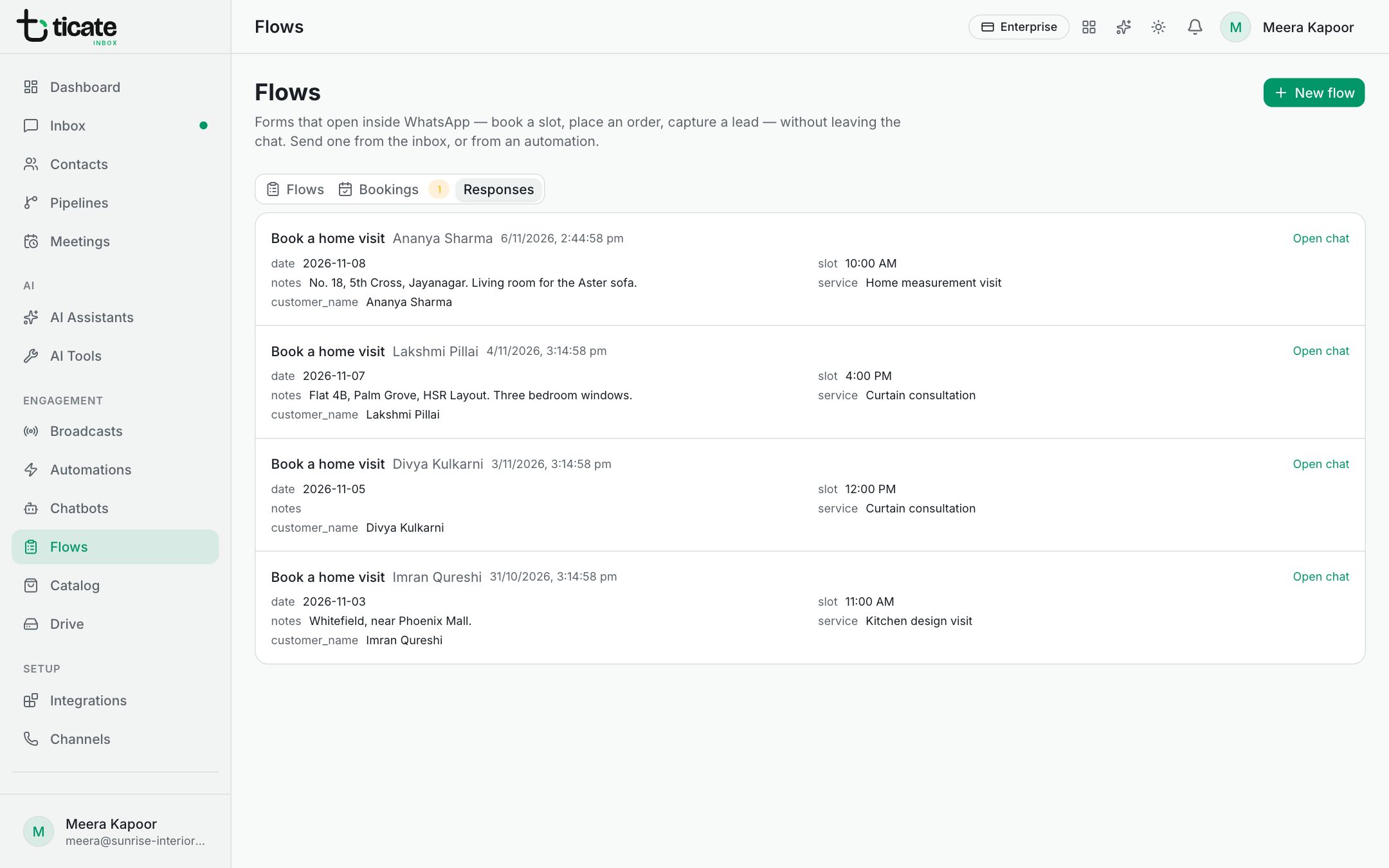
Manage bookings
The Bookings tab lists every booking request with its date, time slot, service, the customer and their notes. The number beside the tab is how many are still Requested.
Change a booking's status with the box on the right: Requested, Confirmed, Completed or Cancelled. Open chat takes you to the conversation to confirm the time with the customer.
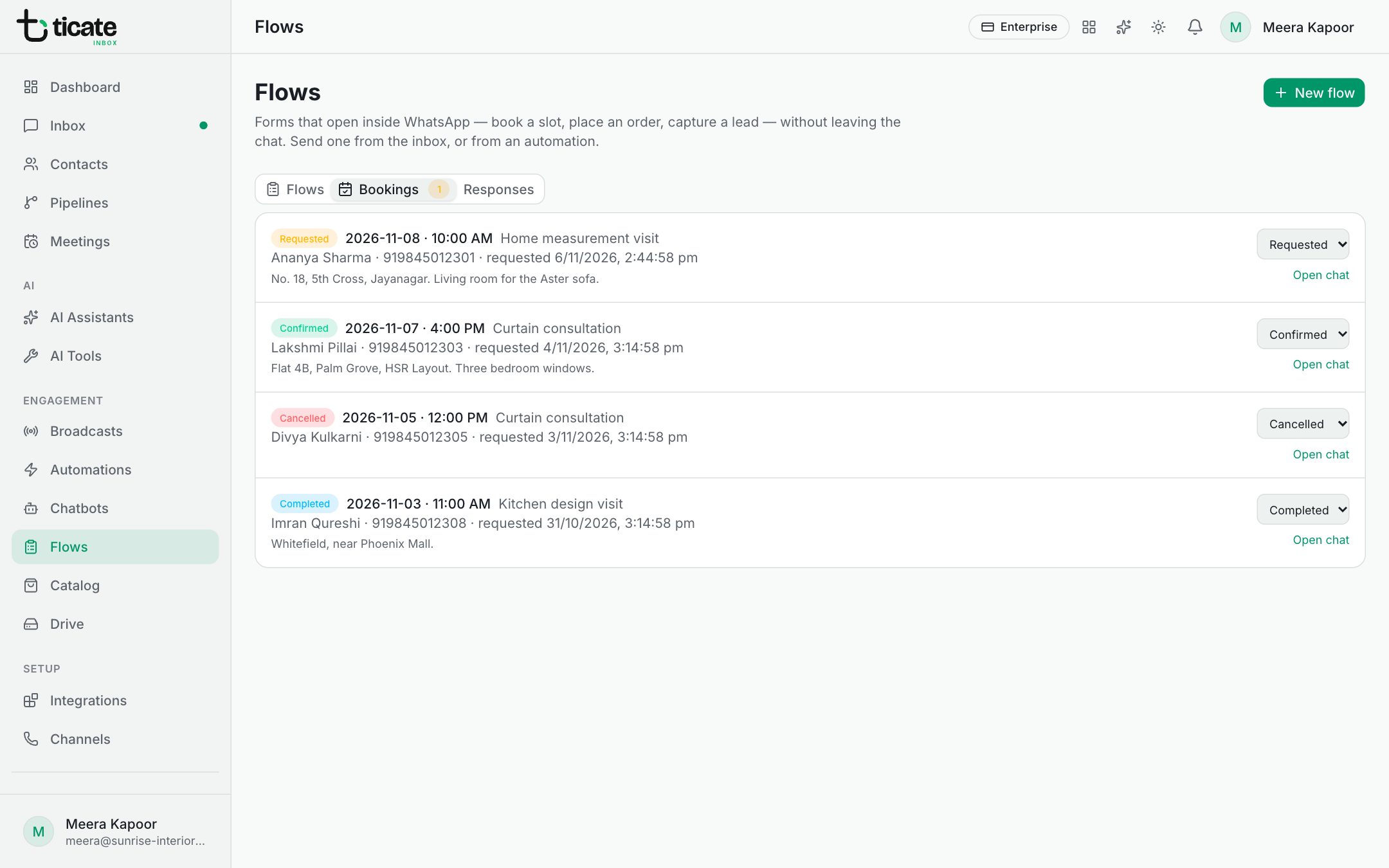
Act on a submission
To reply, tag or assign automatically whenever a form comes in, build an automation with the Form Submitted trigger.