

Publish a flow
Send your form to Meta so customers can open it, what Meta needs from your business first, and what to do when publishing fails.
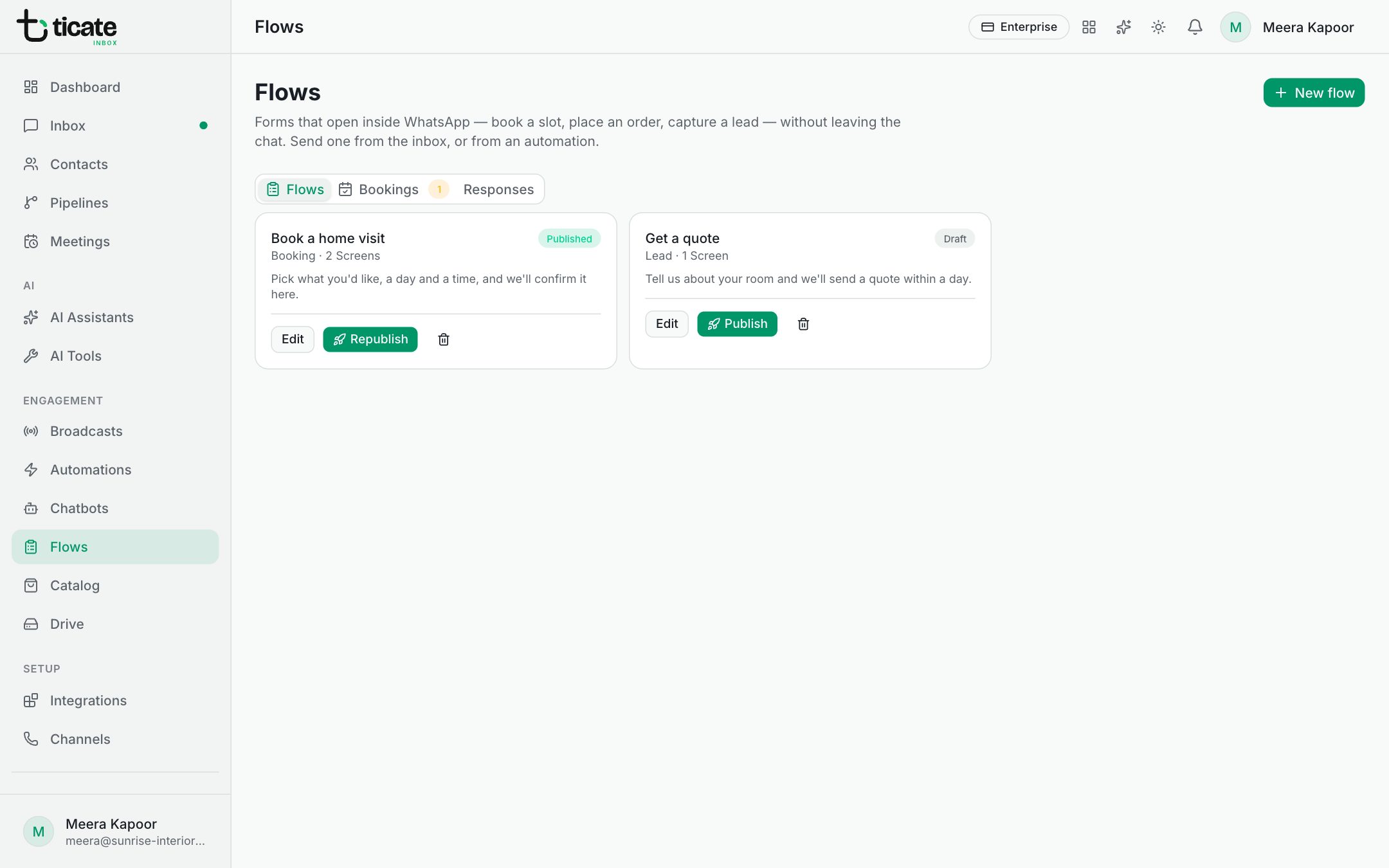
A flow can be sent to customers only once it is published. Publishing hands the form to Meta, which checks it and makes it available on your WhatsApp Business Account.
Publish
- Open Flows and click Edit on the flow, or stay on the Flows page.
- Click Publish.
When it works, the app says the flow is live, and its card is marked Published. You can now send it. See Send a form and see the answers.
If the editor lists problems at the top, Publish stays greyed out. Fix them first.
Change a published flow
Edit it, click Save, then Republish on its card (or Publish in the editor). Forms you send from then on open the new version; a form already sent in a chat keeps the version it was sent with.
What Meta needs first
Meta publishes forms only for businesses in good standing. Before a flow can go live, Meta usually needs:
- A verified business in Meta Business Manager.
- An approved display name on the WhatsApp number. Meta reviews the name shown to customers; until it is approved, forms are held back.
- Good quality on the number. If its quality rating is low, Meta holds back forms until it recovers.
These are Meta's checks, not TicAte's. Business verification is done in Meta Business Manager. The display name's review is shown in WhatsApp Manager, under Phone numbers.
When publishing fails
The card is marked Error, with the reason underneath. The app checks your account and says which of Meta's requirements is missing, for example that the business is verified but the display name is still waiting for review. Once Meta's side is sorted, click Publish again.
If Meta refused the form itself, the card starts with "Meta rejected the flow" and lists what Meta objected to.
Still stuck? Write to support@ticate.com with the flow's name and the message on its card.