

Tools that send something
Reply buttons, lists and link buttons, files from your Drive, WhatsApp Flows, and fixed answers you write once, sent by the assistant at the right moment.
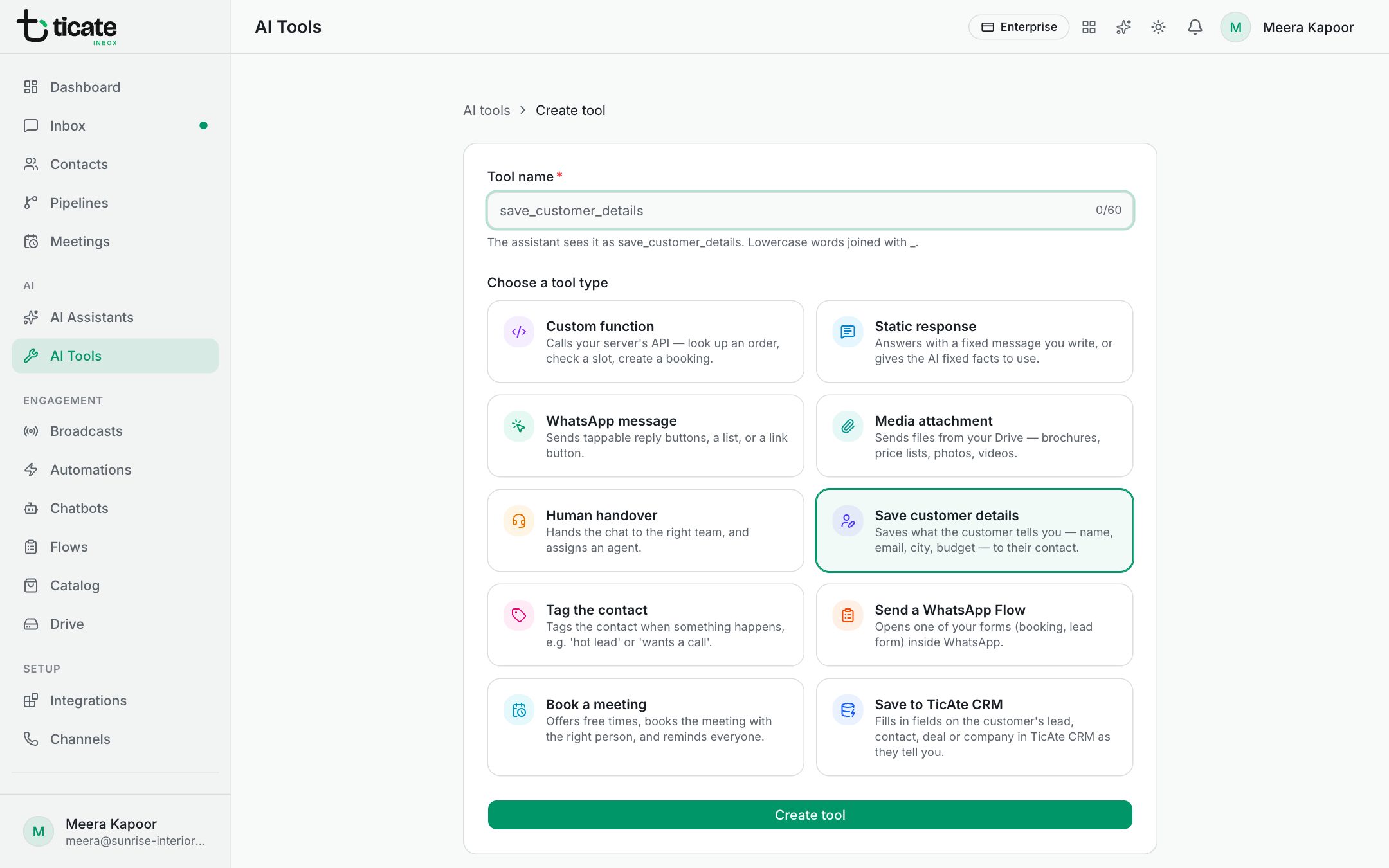
Four tool types send the customer something you prepared. Make one under AI Tools → Add tool, then give it to an assistant. See What AI tools are.
WhatsApp message
Sends a message with something to tap. Under Message type, choose:
- Reply buttons: up to three quick-reply buttons, such as "This week", "This month", "Just looking". The customer's tap comes back as their message.
- List: a button, such as "See options", that opens up to ten choices, each with a title and an optional description.
- Link button: one button that opens a web address, such as your booking page.
Write the Body, and optionally a Header and Footer. The Preview on the right shows how it will look.
Media attachment
Sends files from your Drive: a brochure, a price list, photos or a video. Click Choose from Drive and pick up to ten; they go in that order. A Caption is shown under the first file.
Example description: "Send this when the customer asks for the brochure or the floor plans."
Send a WhatsApp Flow
Opens one of your WhatsApp Flows, a form inside WhatsApp, such as a booking or lead form. Choose the flow; only published flows can be sent.
Static response
A fixed answer you write once, such as your price list or bank details for payment.
- With Send the response as it is on, the customer receives exactly this text.
- With it off, the assistant uses the text as facts and writes its own reply.
Click a value beside Insert: to add the current date or time, or the customer's number or name, filled in when it is sent.