

What chatbots do
A chatbot answers customers with menus, buttons and questions the moment they write, and steps aside when your team replies.
A chatbot is a conversation you draw in advance. When a customer writes, it answers straight away: a greeting, a menu of buttons, a question or two, then the right information or a person from your team.
Use a chatbot when the same first questions come in all day, such as prices, opening hours, booking a visit or tracking an order.
What a chatbot can do
You build it from blocks, each one a step in the conversation:
- Send text, Send buttons (up to 3 tappable replies), Send list (a menu of up to 10 rows) and Send media (an image, video, audio or file).
- Ask a question and keep the answer, such as the customer's city or budget, to use later in the bot.
- Condition goes one way or another on an answer, the contact or the time of day.
- AI assistant lets an AI assistant answer for a while.
- HTTP request asks your own system, such as an order tracker, and uses its reply.
- Run automation runs one of your automations.
- Hand to a person assigns the chat to your team.
Each button or list row leads somewhere of its own, so a tap on "Prices" and a tap on "Book a visit" go different ways.
When it starts
Every chatbot begins with On message. It starts on any message, or only on a message with one of its keywords, such as "hi", "menu" or "price". With Forgive typos on, "helo" still starts a bot listening for "hello". A bot can also start only when someone taps a button on a particular template.
Chatbots and your team
- A chatbot answers only on the numbers you tick for it. Chatbots answer on Instagram and Messenger too, if those are connected.
- As soon as a person on your team replies in the chat from the inbox, the bot steps aside for that chat.
- You can keep a bot out of chats someone is already handling, or that a colleague wrote in during the last 24 hours.
The Chatbots page
Open Chatbots in the left menu. Each bot shows Live or Draft, the numbers it answers on, and how many times it has started. The switch turns it on and off; Edit, Copy and the bin change, duplicate or delete it. Deleting a bot stops any conversation part-way through it.
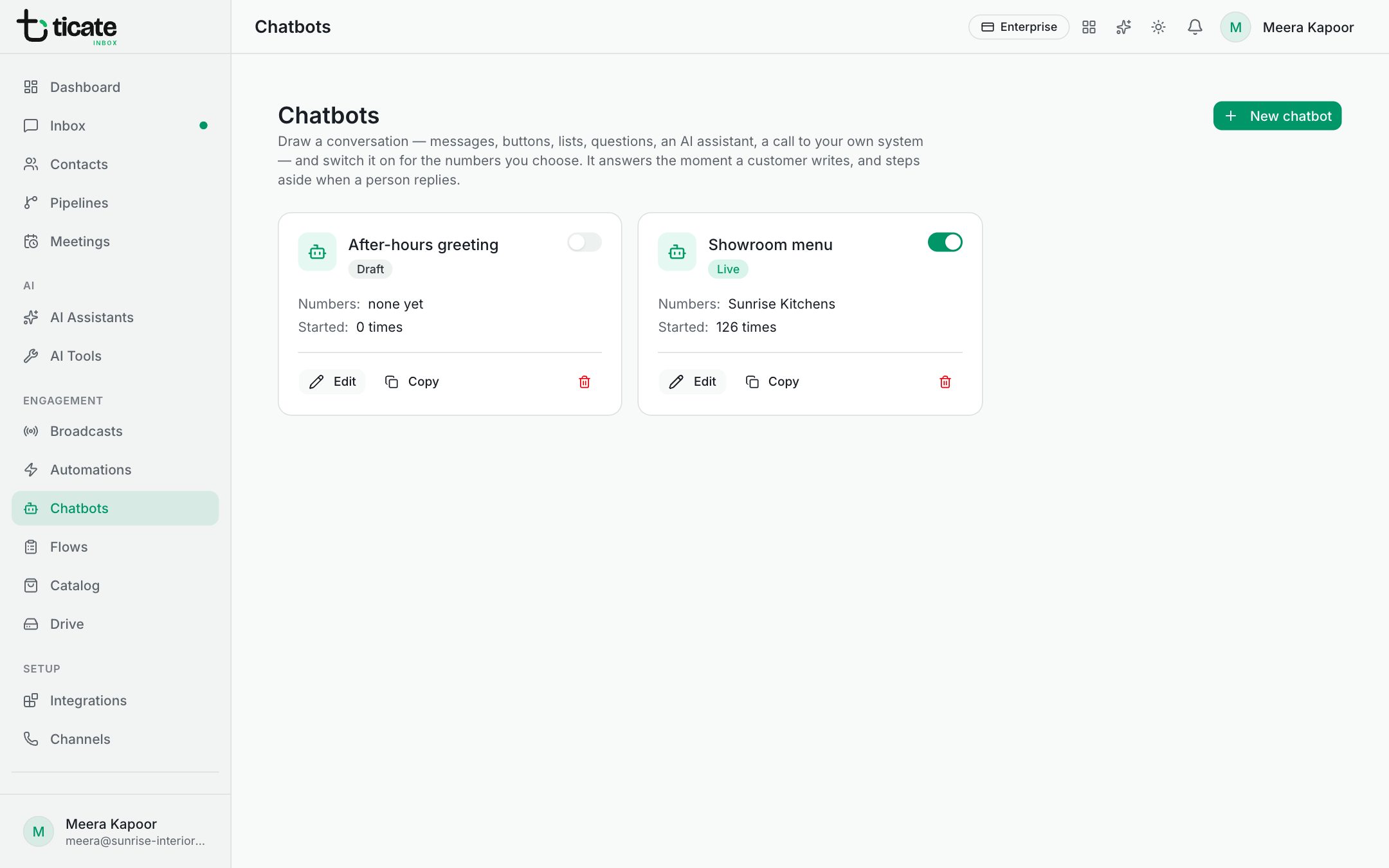
Owners, admins and self admins build chatbots. How many you can have depends on your plan.
To build one, see Build a chatbot.