

Guardian: reminders for neglected leads and deals
The Guardian finds leads and deals nobody is looking after, reminds the owner, and tells their supervisor if nothing changes.
The Guardian watches your open leads and deals. Every hour it looks for the ones nobody is attending to: no call, message or other action for a while, nothing planned, or a planned activity long overdue. It reminds the person responsible, and if the reminder changes nothing, it tells their supervisor.
Finding what is unattended works by fixed rules. It needs no AI.
See what needs attention
Open Guardian under Agents in the left menu.
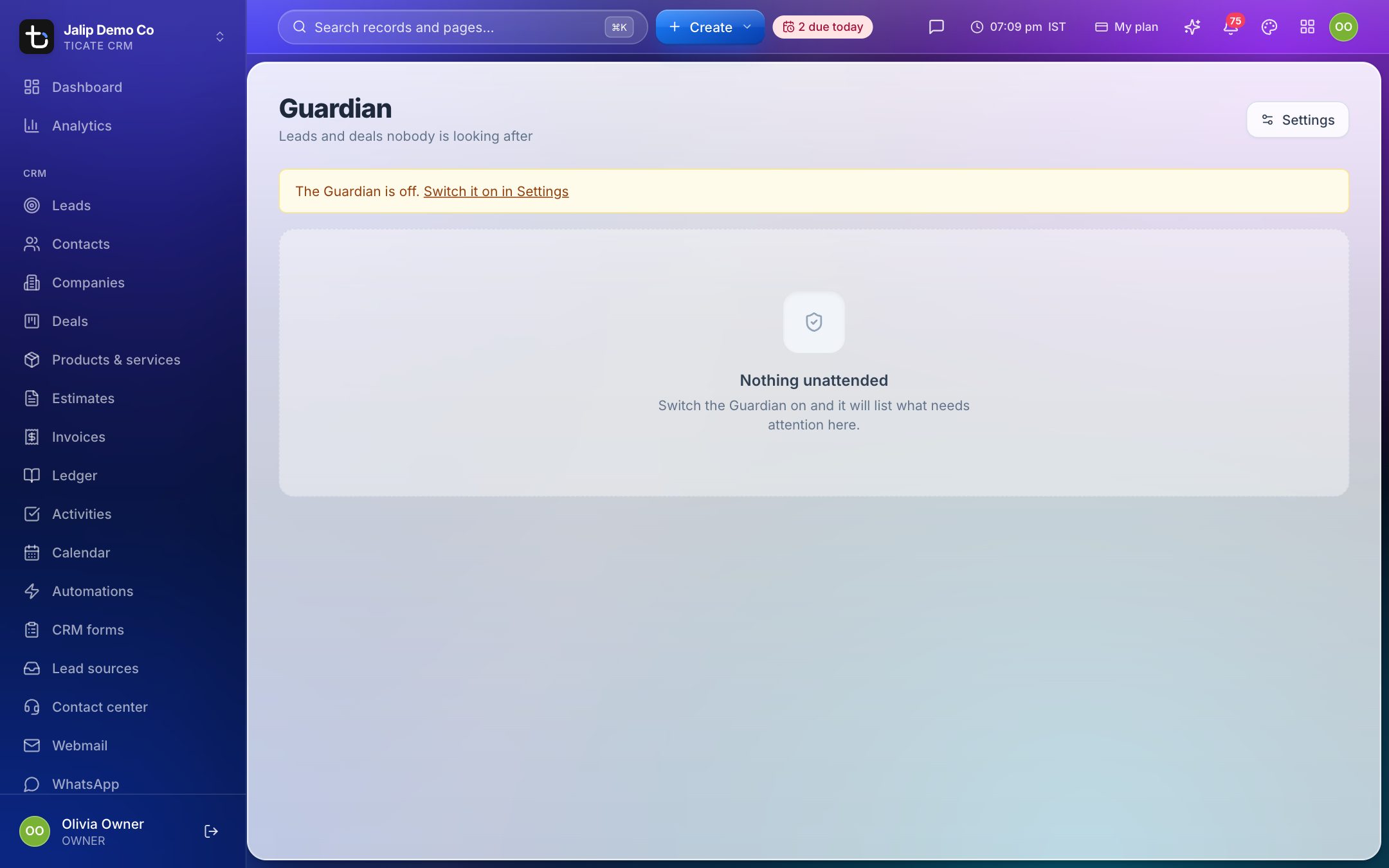
- Yours lists your own leads and deals that need attention.
- Your people (or Everyone else for owners, admins and managers) lists the ones belonging to the people you look after.
Each line says why it was flagged, for example "no action for 5 days" or "nothing planned", when it was first flagged, how many reminders went out, and whether the supervisor was told. Click the name to open the record.
Press Snooze 3 days to stop reminders about a record for three days. Unsnooze brings them back.
When the page says Nothing unattended, every lead and deal has had attention in time.
Switch it on and set the rules
Owners and admins set the Guardian up under Settings → Guardian, or with Settings on the Guardian page.
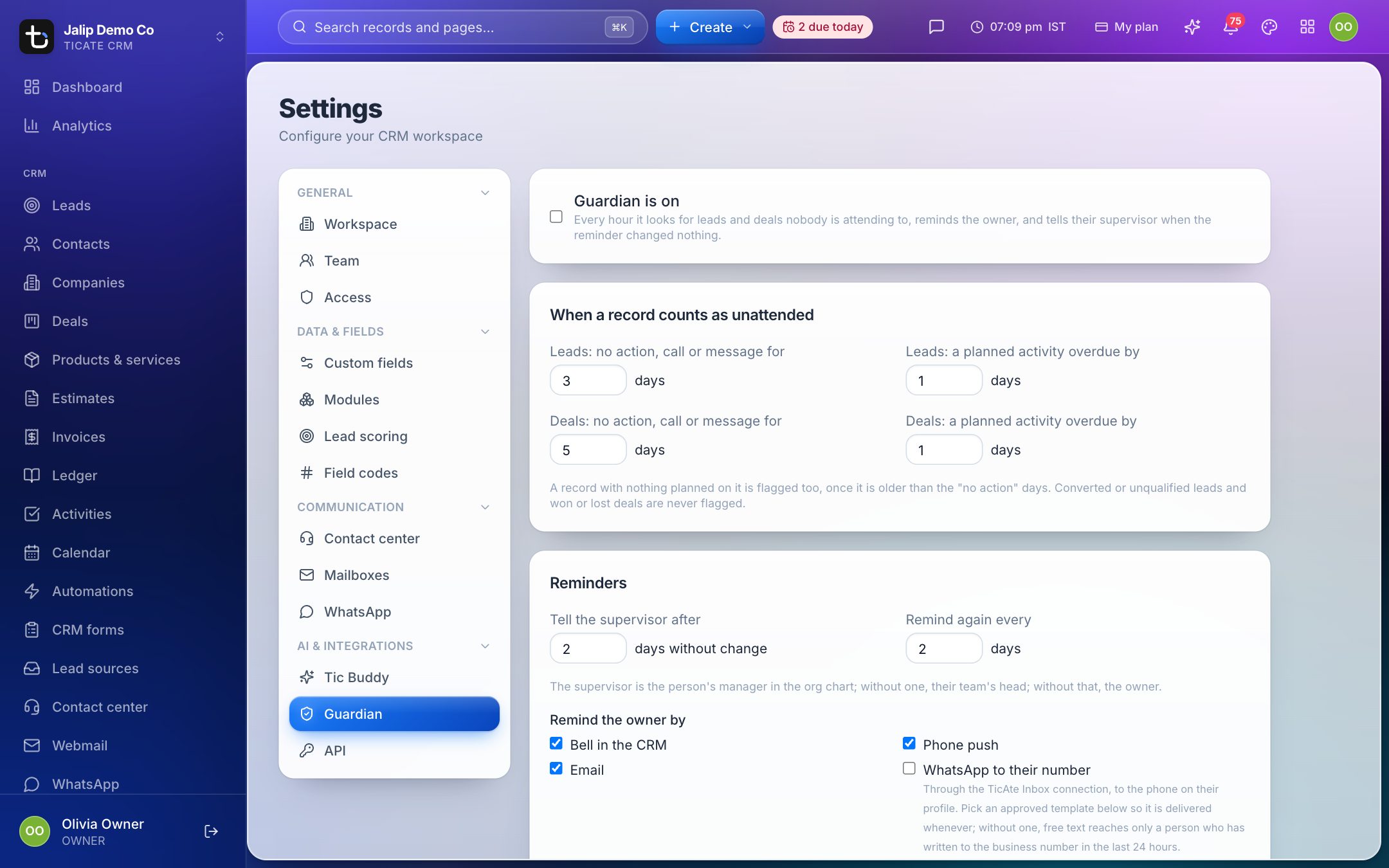
- Tick Guardian is on.
- Under When a record counts as unattended, set for leads and for deals:
- no action, call or message for so many days,
- a planned activity overdue by so many days.
- Under Reminders, set Tell the supervisor after so many days without change, and Remind again every so many days.
- Choose how to Remind the owner by and how to Tell the supervisor by: Bell in the CRM, Phone push, Email, WhatsApp to their number and CRM messenger.
- Press Save. Run now looks straight away, with the saved settings.
A record with nothing planned on it is flagged too, once it is older than the "no action" days. Converted or unqualified leads and won or lost deals are never flagged.
The supervisor is the person's manager in the org chart; without one, their team's head; without that, the workspace owner.
Let AI draft the follow-up
Tick Use AI to read the conversation and draft the follow-up to have each reminder come with:
- one line on why the record went quiet and a suggested next step,
- a drafted message to the customer, in their own language, parked on the Guardian page.
Press Send to send the draft, Edit to change it first, Dismiss to put it away, or Redraft for a fresh one.
This uses the AI service set under Settings → Tic Buddy, and each draft is one call to that service, charged to its account. There are at most 200 drafts a day per workspace. The customer's phone number and email address are never sent to the AI.